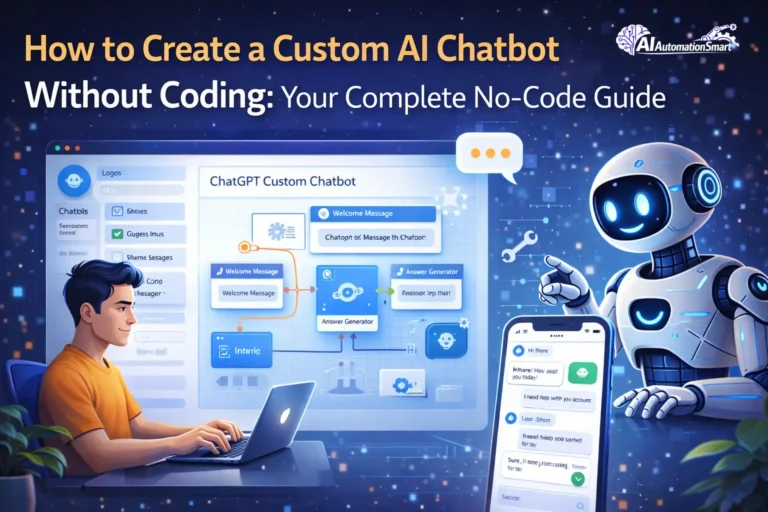
Imagine you want a chatbot for your website or business, but the moment you hear the word “coding,” your mind gets confused or overwhelmed.
The good news is that building a chatbot is no longer only for people who know how to code.
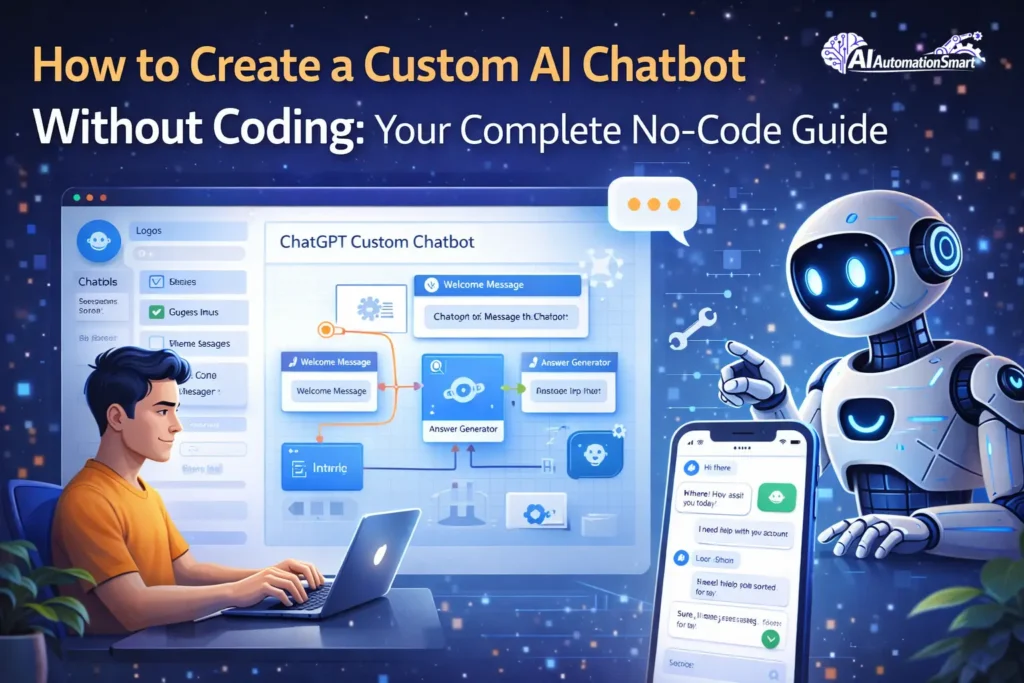
Today, there are many smart no-code tools that let you create your own custom chatbot without writing a single line of code — completely according to your needs. Whether you want it for customer support, collecting leads, or answering simple questions, everything can be done using drag-and-drop.
In this guide, I will show you step by step how to build a custom chatbot without coding. With simple examples, easy tools, and real-world tips — so by the end, you will feel confident and say,
“Yes, I can build a chatbot too.”
So, let’s get started.
Why You Should Care About No-Code Chatbots Right Now
Before we get into the “how,” let’s quickly talk about the “why.” Because honestly, chatbots aren’t just some tech fad—they’re becoming essential for any business that Here’s why they matter:
- Handle repetitive questions so your team can focus on real problems.
- Work 24/7 without needing coffee breaks or vacations.
- Respond instantly—turn hours of waiting into seconds.
- Scale effortlessly—talk to more customers without adding more payroll.
- Collect valuable insights—understand exactly what your customers want.
Let me explain this with an example. Imagine you have an e-commerce store. Last year, 40% of your support tickets were about the same question:
“What is the return policy?”
Your team stayed stuck answering this repetitive question again and again. Now, a chatbot handles all these questions instantly. Your support team can focus only on real conversations with customers who actually need help.
That’s the magic of no-code automation done right. It saves time, money, and energy—plus it keeps your customers happy.
Understanding No-Code AI Chatbots (Without the Jargon)
Understanding No-Code AI Chatbots (Without the Jargon)
Think about chatbots in 2015 — they followed very strict scripts:
“If the customer says X, then answer Y.”
They were very linear, very predictable, and honestly… very boring.
Now, when you hear the words AI chatbots, your mind might feel a little confused — machine learning, APIs, coding…
But don’t worry! No-code AI chatbots mean you do not have to write any code to make a chatbot.
These chatbots use AI to answer customers’ questions in real time, do the same tasks over and over, and help a business run smoothly. And the best part? You do not have to learn how to write programs – drag-and-drop applications, pre-made templates suffice.
Imagine a chatbot that:
- Blogs 24/7 on your Web or social media.
- Prevents repetition of the same questions, thus allowing your team to do meaningful work.
- Gather customer information, which assists in knowing what consumers want.
- Basically, it is a virtual assistant for your business — one that never gets tired and makes work easier.
The Best No-Code AI Chatbot Platforms to Use
Perhaps you would rather create a chatbot, though you are not acquainted with code, fortunately, there exists a plethora of powerful no-code options available in the market. Each of the tools has its style, advantages, and several drawbacks. I will make it easy to understand; as one person would make it clear to another.
Tidio
Tidio is the ideal choice where the user wants to have a quick and simple installation. It offers both live chat and chatbot features in one place. It is an easy and reliable option for small businesses and service-based websites.
Pros:
- Very easy to set up (it usually takes only 15–20 minutes)
- Live chat and chatbot are both available in one place
- Great choice for small businesses
Cons:
- The free version has limited features
- Advanced AI features are only available in paid plans
Best for: Small online stores, service-based websites, and beginners
Zapier and Make (Formerly Integromat)
Not technically “chatbot builders,” but these automation platforms let you create conversational experiences by connecting different apps.
Think of it like building with LEGO blocks—each block is a different app (Gmail, Stripe, Google Sheets), and you connect them to create workflows that feel like chatbot conversations.
Pros:
- Incredibly flexible
- Works with almost any app you already use
- Surprisingly powerful for the price
Cons:
- Requires a different mindset (less “chatbot,” more “automation”)
- Steeper learning curve than dedicated builders
Best for: Workflow automation, lead qualification, internal processes
Chatfuel
If you are very active on Facebook Messenger or Instagram, Chatfuel is a very useful tool. Its no-code builder is simple and works well for marketing. Collecting leads and setting up auto-replies becomes very easy.
Pros:
- A strong tool for social media chatbots
- No-code flow builder that is easy to understand
- Good for marketing and collecting leads
Cons:
- Not very strong for website chatbots
- Creating complex logic can be a little difficult
Best for:
Social media marketing and lead generation
Botpress (Cloud / No-Code Mode)
This is more appropriate to the high-tech users who require a clever and strong chatbot. Its AI capabilities are robust as well as it provides high levels of customization. It might be a bit cumbersome on the part of the novice but it is good as an investment in the expanding businesses.
Pros:
- Very strong AI understanding
- High level of customization
- Professional, business-level features
Cons:
- Can feel confusing for beginners
- Setup may take more time
Perfect for: Growing businesses with complex needs
Landbot
Landbot has a fun and interactive style. It turns normal forms into chatbot-like conversations, which keeps users more engaged. It is also very effective in the lead generation and landing pages.
Pros:
- Beautiful chat-style forms
- Easy drag-and-drop builder
- Excellent for lead generation
Cons:
- Limited for deep AI conversations
- Pricing can feel a bit expensive
Recommended for: Landing pages and lead capture
ManyChat
ManyChat is a marketing-oriented application, particularly Instagram and Messenger. It is easy to set up campaigns, broadcasts as well as automation. Influencers and online sellers prefer it a great deal.
Pros:
- Good automation of Instagram and Messenger.
- Easy to run campaigns and broadcasts
- No-code and beginner-friendly
Cons:
- Website chatbot feels basic
- AI replies are limited
Most relevant: Influencers, content creators, and social sellers.
Step-by-Step Guide: How to Build Your First Chatbot
Let’s build a chatbot together. As an example, I am considering a generic drag and drop platform, which is more or less the same process on other no code tools.
Step 1: Define What Your Chatbot Actually Does
This might look like the easiest step to take, yet it is the most significant step to take. It is important to note that once you lose your way or do something wrong which happens in this stage, the subsequent steps will prove to be quite challenging.
Do not think like this: “I want to build a chatbot that helps customers.”
Instead, think like this: “I want a chatbot that answers frequently asked questions about our return policy, forwards complex issues to the support team, and collects email addresses for the newsletter.”
Most important thing : put down these questions on yourself.
- What problem will this chatbot solve?
- What information will it collect?
- When and where should human support step in?
- What should its tone be — friendly, professional, or a mix of both?
Step 2: Gather Your Content
Once you are through with Step 1, the most significant step is the one that entails collecting your content.
Keep in mind a chatbot will never be more intelligent than the data you feed it.
Keep these things ready:
- FAQs Documents
- Product descriptions
- Policies (returns, shipping, etc.)
- Common customer situations
One important tip:
If you have old support tickets, review them carefully. They show what customers actually ask most often — this helps your chatbot work much better.
Step 3: Sign Up and Create Your First Bot
Now comes the easiest part:
- Choose your no-code platform
- Click on “Create New Chatbot”
- Give your bot a simple name (for example, “Support Bot”)
- Select your industry or use case (many platforms give ready-made templates)
Step 4: Train Your Chatbot
This might have sounded like a hard task yet it is really not hard.
Most platforms allow you to:
Upload files: Drag in PDFs, documents, or web links with your information. The AI reads and learns from them.
Write out scenarios: “If someone asks about shipping, tell them…”
Create conversation flows: “After they ask about returns, ask if they need help with anything else”
During the training, you are supposed to think it through as follows:
You have a clever friend that you are explaining your business to, what to do, what to ask, what to do in response. It is more or less like robots in movies where the creator of the robot will teach the robot then step by step.
Step 5: Customize the Appearance
Your chatbot must resemble a line of your brand and not a 2009 software.
You can customize:
- Avatar or icon
- Colors
- A good welcome message
- Button and reply styles
- Response tone
As an example, a chatbot as a tax consultant will be serious but a chatbot as a skate shop can be fun and entirely casual.
Step 6: Test Extensively
Once your chatbot is ready, do not launch it immediately. First, use it yourself — pretend you are a real customer.
Ask it the questions your customers ask:
- Does it understand spelling mistakes?
- Can it handle the same question asked in different ways?
- What happens if someone asks a strange or unexpected question?
- Does it smoothly hand over to human support when needed?
- Fix all issues you find at this stage.
Refine based on what you find.
Step 7: Deploy and Monitor
Monitoring and gathering the feedback of the customers are the last and most significant step because once the chatbot is launched, it is necessary to monitor it and use it regularly.
Most platforms allow you to:
- Embed the chatbot in your site (a little piece of code)
- Integrate with WhatsApp, Messenger or Slack.
- Deploy it using APIs
Important tip: Start with one channel first. Watch the conversations, understand what works and what doesn’t, and then slowly improve and expand.
Common Mistakes to Avoid
Making it too complicated: It does not mean that your first chatbot requires being sentient. Start with solving one specific problem. Add complexity later.
Forgetting about failure states: What happens when someone asks your chatbot to solve world hunger? Be sure that it looks natural saying I am not the right tool to this rather than coming up with something.
Failure to update: Your chat robot is as old as your content. Set a reminder to refresh its knowledge base quarterly.
Ignoring the data: Most platforms show you transcripts of conversations. Read them. That’s direct feedback from your customers about what they actually need.
Making it feel corporate and lifeless: Add personality. Your chatbot is a representative of your business. Would your ideal customer want to talk to it?
Advanced Moves (Still No Coding Required)
Once you’re comfortable, these add depth:
- Support for multiple languages: Use your chatbot in French, Spanish, and other languages.
- Sentiment analysis: The bot proactively escalates when it detects frustration.
- Conversation branching: Various customers experience varied things according to their situation.
- A/B testing: Test different opening messages or approaches to see what works
Final Thoughts
In simple words, building a chatbot is no longer a complicated or scary thing. You don’t need to be a developer, and you don’t need to learn coding. No-code AI chatbots have made this possible for everyone—whether you run a small business, do freelance work, or just want to try something new.
The most important thing to remember is this: you don’t need to build a perfect chatbot on day one. Start with a simple version, use it, watch what people ask, and then improve it step by step. That’s how learning works in real life.
So if you’ve been thinking about it but haven’t started yet, now is a great time to begin. Pick one tool, prepare some basic content, and build your first chatbot. The rest will come naturally as you go.
Just keep this in mind: a chatbot is not here to replace you—it’s here to help you, save your time, and keep your customers happy