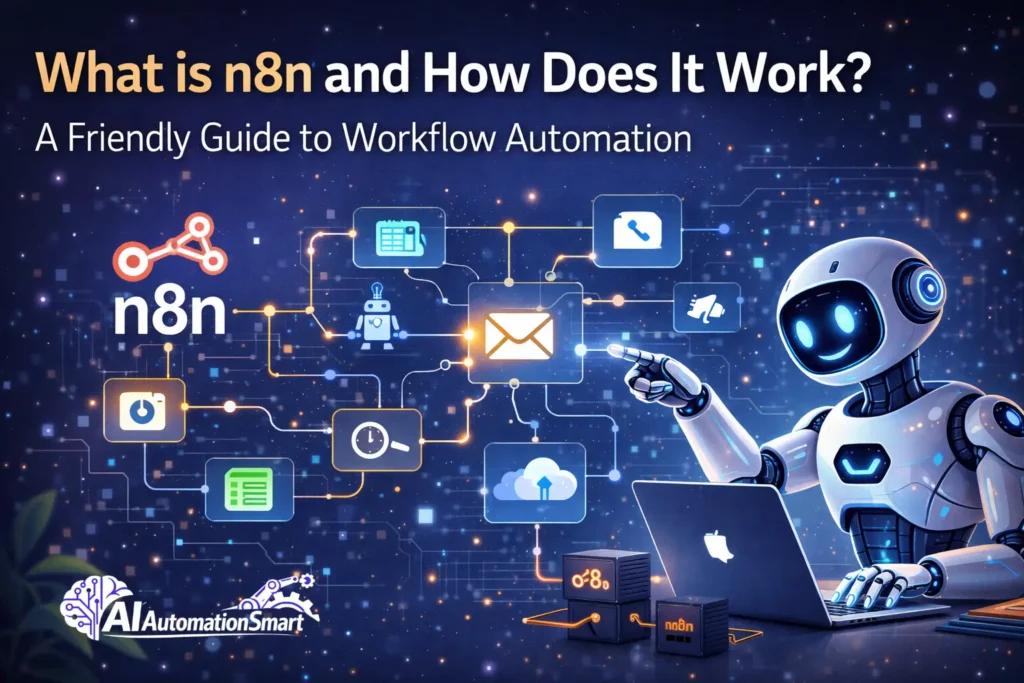
n8n is an automation workflow tool which assists you and your team in scheduling daily tasks and in the transfer of data among various apps, tools, platforms and services. It is a simple smart easy technique of automating daily tasks. The operations that you perform daily through the repetitions can be automated with the help of n8n of course, be it in business, client management or simply saving time.
In this article, we’ll explain what AI automation is, how it works, how it makes our work easier and more advanced, and why many people prefer n8n over tools like Zapier. All of this is what we’ll learn and understand together in this article.
What Exactly is n8n?
The meaning of n8n is “node to node,” and it’s also called nodemation. n8n is an open-source workflow automation tool. You can think of it like this: apps such as Stripe, Slack, Google Sheets, Airtable, and Gmail can communicate with each other automatically without your involvement—and that’s exactly where n8n comes in. It connects these apps and turns their interaction into automation. I personally built an LLM-based auto post publishing workflow using n8n.
Typically, to build workflow automation, one needs to have a significant grasp of the underlying codes, but n8n is the application where anyone can build automation using with ease. It also provides an easy-to-use interface and numerous pre-written templates, which save time and allow users to be more productive rather than create a specific tool. When a workflow is prepared then you do not have to do the work manually anymore, you leave it to do everything by itself and concentrate on other important
Why Should You Care About n8n?
Let me give you an example. I have an online store, and every time an order received an invoice, I would create this manually, I would add up the customer to my mailing list and put all the information in to a spreadsheet. Super boring stuff, right?
Well, it can be automated using n8n. First, let me show you how:
- No coding required – You don’t need to do any coding—just drag and drop
- Save ridiculous amounts of time – What used to take hours now gets done in minutes.
- Cut costs dramatically – You don’t have to pay any fees to create complex workflows
- Full transparency – You can see exactly how your workflow is running
- Completely customizable –And you can build automation for pretty much anything you want
How Does n8n Actually Work?
Alright, let’s get into the nitty-gritty without making your brain hurt.
The Basic Building Blocks
Every n8n workflow consists of a few key components:
- Nodes
Workflow are the soul , but nodes are the muscles and organs.Technically, nodes are the building blocks of N8N.Each node represents something specific—like “fetch data from Google Sheets,” “send a Slack message,” or “create a record in Airtable”.There are three main types of nodes: function node, regular node, core node. - Connections
These are the lines linking your nodes together. They determine the flow of data and the order of execution. It’s honestly as simple as drawing lines between boxes. - Triggers
This is what kicks your workflow into action. A trigger could be:
- Someone filling out a form
- A new email arriving
- A scheduled time (like 9 AM every Monday)
- A new row added to a spreadsheet
- Actions
These are what happen after the trigger. Send an email, update a database, post to social media—you name it.
The n8n Workflow Tutorial: Getting Started
Ready to build your first workflow? Here’s how straightforward it is:
Step 1: Create a Workflow
To begin with, you have to create an account on n8n. After doing so, under that, there is a button named “New Workflow” that will open you a blank screen where you can begin to construct your workflow.
Step 2: Add Your First Node (The Trigger)
Click the “+” button to add a node. Search for your trigger source. Let’s say you pick “Webhook” (which captures data from external sources). Configure it with whatever details you need.
Step 3: Add Action Nodes
Add another node for your first action. Let’s say you want to send data to Airtable. Select the Airtable node, authenticate your account, and map the fields. This just means telling n8n which data goes where.
Step 4: Test It
Once you have created the workflow, always ensure that you test the workflow at least once to determine whether the workflow that you have constructed is functioning properly as per expectations or not. Also preview the output of each node in order to be able to clearly tell what data is being forwarded at each stage.
Step 5: Deploy and Activate
Once you’re happy, activate your workflow, and it runs automatically based on your trigger.
That’s genuinely it!
What Can You Actually Automate?
Here’s where it gets fun. The possibilities are nearly endless:
- Sales & Marketing
-
-
- Form submissions are auto-created into leads.
- Follow up on emails depending on the customer behavior.
- Integrate customer information with diverse systems.
-
- Customer Support
-
-
- Send route support tickets to the appropriate employee.
- Conversion of email to help desk tickets.
- Automatically update the customers on their status.
-
- Content Management
-
-
- Posts on multiple platforms at the same time.
- Automatically tag blog posts on keywords.
- Scheduling archiving of old content.
-
- Financial Operations
-
-
- Automatically make invoices in your accounting system.
- Keep track of costs automatically.
- Prepare financial statements on a monthly basis.
-
- HR & Team Management
-
- Auto-onboard new employees
- Send birthday messages to the team.
- Monitor time off requests and refresh calendars.
n8n vs. Other Tools: Why It Stands Out
Zapier and Make are popular, sure. But here’s the thing:
| Feature | n8n | Zapier | Make |
| Cost | Free & affordable | Pricey for complex workflows | Mid-range |
| Customization | Extremely flexible | Limited | Moderate |
| Learning Curve | Easy for beginners | Very easy | Moderate |
| Self-hosting | Yes | No | No |
| Community | Growing & supportive | Large | Large |
n8n shines because you’re not locked into expensive subscription tiers. Build as many complex workflows as you want without paying per task.
Common Misconceptions About n8n
“I need to know how to code“
No, actually its editor is very simple and clean. Many people understand how a workflow is built and how it works in a short amount of time. Everything is based on drag and drop.
“It’s only for technical people“
Yes, n8n is very easy to use. It is user friendly and can be created by non technical persons to create a powerful workflow and the interface is quite user friendly.
“It won’t integrate with my tools“
Why wouldn’t it work? n8n supports more than 400 apps and services. Not only that—if your tool has an API, n8n can understand it, integrate with it smoothly, and work with it very efficiently.
Potential Challenges (Because Nothing’s Perfect)
Let’s be real—n8n isn’t flawless:
- Learning curve for complex workflows – When you work at an advanced level, you need to understand more things, like debugging, which requires extra thinking.
- Limited pre-built templates – There are numerous free and paid templates that can be easily used in n8n, and still, you have to create your workflow.
- Community resources – It does not have a massive community support as Zapier does, but it is expanding rapidly.
- Execution limits – The free version has an execution restriction and this is such that a workflow is limited to a specific number of times to be executed on a given date.
Tips for Building Great n8n Workflows
- Set our mind – First, always have a clear vision in your mind how the work is to be carried out.
- Start small – Begin with simple and small workflows, and continue to more sophisticated workflows gradually.
- Use error handling – Use conditional nodes to handle errors properly.
- Test extensively – After the flow is developed, it should be tested properly and then deployed to production.
- Document your logic – Make a map of your workflow and write down the logic to be able to know later what you are doing, what node does what and why.
- Monitor execution – Monitor workflow executions carefully so if any issue occurs, you can quickly identify where the problem came from.
The Bottom Line
n8n is a simple yet extremely powerful AI workflow automation tool. It automates repetitive daily tasks and saves a huge amount of time—whether it’s email management, data transfer, or connecting different APIs and apps. All of this is possible without writing complex code. Its interface is clean and friendly, making it easy for anyone to understand. n8n also helps reduce software costs that you’d otherwise spend on expensive tools.
If you want to start automation, this is the right place—and the best part is that getting started is free. In this blog, we’ve covered how n8n works, its benefits, common mistakes to avoid, and best practices for building workflows. You can start with n8n in case you want to introduce improvement and automation to your business or daily repetitive processes. Start with a simple workflow, which is not large, and you will soon find how easier, faster, and better working with automation is.